
Knowledge base
Help without the search
Connection steps and answers to common questions. Before launch, this section will be expanded with illustrated instructions and error codes.
Game installation
Registration, the 3.4.4 client, launcher and first login.
→ 02Launcher and updates
Game folder, permissions, file checks and recovery.
↓ 03Account and security
Recover access and protect your account.
↓ 04Contact support
Where to send technical questions or bug reports.
↓Frequently asked questions
What to check first
Which client version do I need?
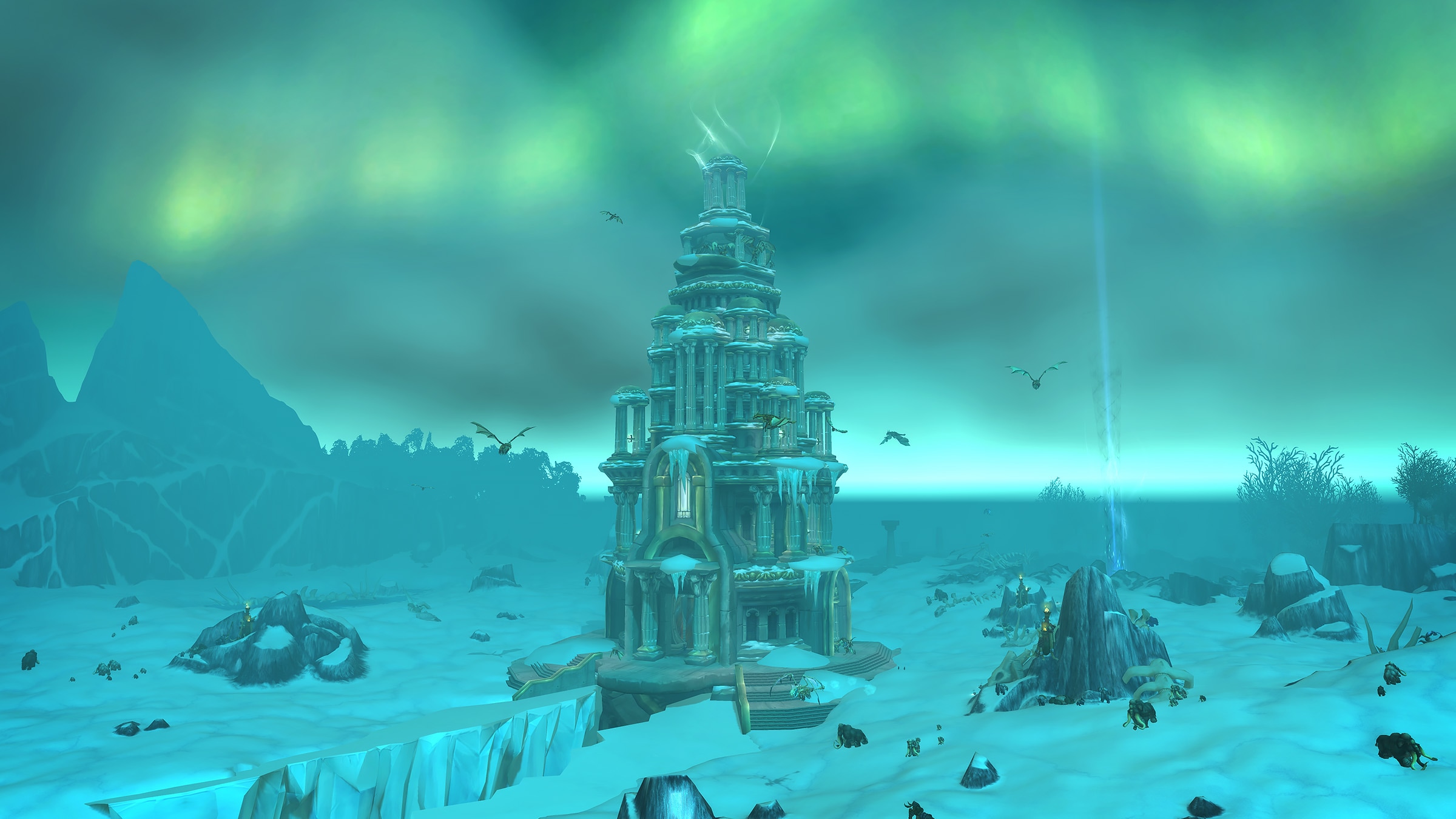
Use Wrath of the Lich King Classic 3.4.4 to connect. Verified full-client and launcher downloads will appear under Play now.
Why can't the launcher update the game?
Install the client in a separate folder outside Program Files, check free disk space and give the launcher write access to the game folder. File verification instructions will be published with the launcher.
The server is unavailable, but my internet works
Check authentication and realm status under Play now. During maintenance, news will explain the status and reason for downtime.
Where can I reset my password?
Registration, sign-in and account recovery take place in the separate Nivordia account dashboard. Never share your password with project staff or other players.
Where do I submit a bug report?
Before testing opens, we will publish a report form and the required details: location, character, expected result and steps to reproduce.